English
New-hire onboarding fails when tasks depend on memory. HR sends one checklist, IT receives another message, the manager forgets training steps, finance waits for missing bank details, and the employee spends the first week asking who owns what.
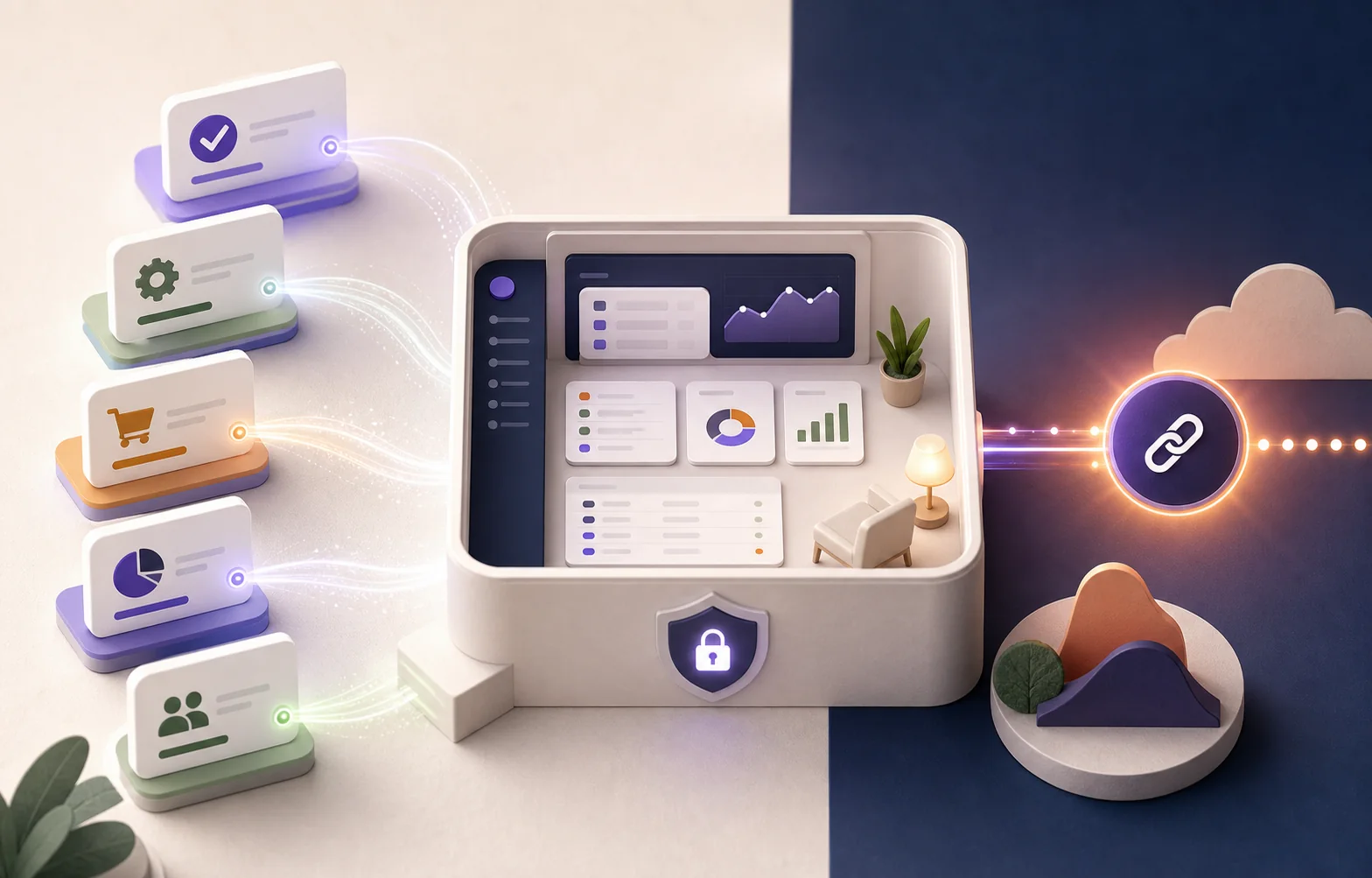
The better pattern is a single onboarding request that expands into role-specific workstreams.
Start with one intake
The intake should capture role, department, start date, location, employment type, equipment needs, system access, training path, reporting manager, and required documents. AI can help classify the role and suggest the right checklist, but HR should own the final template.
Generated workstreams
- HR: contract, employee profile, policy acknowledgement, required forms.
- IT: laptop, accounts, permission groups, security setup.
- Finance: payroll details, reimbursement setup, cost center.
- Manager: first-week plan, training tasks, probation goals.
- Compliance: background checks, data access approvals, mandatory training.
How AI should be bounded
AI can route documents, detect missing fields, summarize onboarding status, draft reminder messages, and adapt checklists from approved templates. It should not decide compensation, approve sensitive access, or expose employee documents outside the minimum required workflow.
What to measure
Track time from offer accepted to ready-to-work, missed task count, first-day readiness, overdue access requests, and manager completion rate. A good onboarding system makes the experience calmer for the employee and more predictable for every department.
Tiếng Việt
Quy trình tiếp nhận nhân sự mới thất bại khi các đầu việc phụ thuộc vào trí nhớ. HR gửi một checklist, IT nhận một tin nhắn khác, quản lý quên các bước đào tạo, tài chính chờ thông tin ngân hàng còn thiếu, và nhân viên mới dành cả tuần đầu để hỏi ai phụ trách việc gì.
Mẫu hình tốt hơn là một yêu cầu tiếp nhận duy nhất, mở rộng thành các luồng công việc riêng theo từng vai trò.
Bắt đầu từ một điểm tiếp nhận
Điểm tiếp nhận nên thu thập vai trò, phòng ban, ngày bắt đầu, địa điểm, loại hình lao động, nhu cầu thiết bị, quyền truy cập hệ thống, lộ trình đào tạo, quản lý trực tiếp và các tài liệu cần thiết. AI có thể giúp phân loại vai trò và gợi ý checklist phù hợp, nhưng HR nên là người sở hữu mẫu cuối cùng.
Các luồng công việc được tạo ra
- HR: hợp đồng, hồ sơ nhân viên, xác nhận chính sách, các biểu mẫu cần thiết.
- IT: laptop, tài khoản, nhóm quyền, thiết lập bảo mật.
- Tài chính: thông tin lương, thiết lập hoàn ứng, trung tâm chi phí.
- Quản lý: kế hoạch tuần đầu, đầu việc đào tạo, mục tiêu thử việc.
- Tuân thủ: kiểm tra lý lịch, phê duyệt quyền truy cập dữ liệu, đào tạo bắt buộc.
Giới hạn cho AI
AI có thể điều phối tài liệu, phát hiện trường thiếu, tóm tắt trạng thái tiếp nhận, soạn tin nhắc việc, và điều chỉnh checklist từ các mẫu đã duyệt. Nó không nên quyết định lương thưởng, phê duyệt quyền truy cập nhạy cảm, hoặc lộ tài liệu nhân viên ngoài phạm vi quy trình tối thiểu cần thiết.
Cần đo lường gì
Theo dõi thời gian từ khi chấp nhận đề nghị đến khi sẵn sàng làm việc, số đầu việc bị bỏ sót, mức độ sẵn sàng ngày đầu tiên, yêu cầu truy cập quá hạn, và tỷ lệ hoàn thành của quản lý. Một hệ thống tiếp nhận tốt giúp trải nghiệm của nhân viên bớt căng thẳng hơn và dễ dự đoán hơn cho mọi phòng ban.